
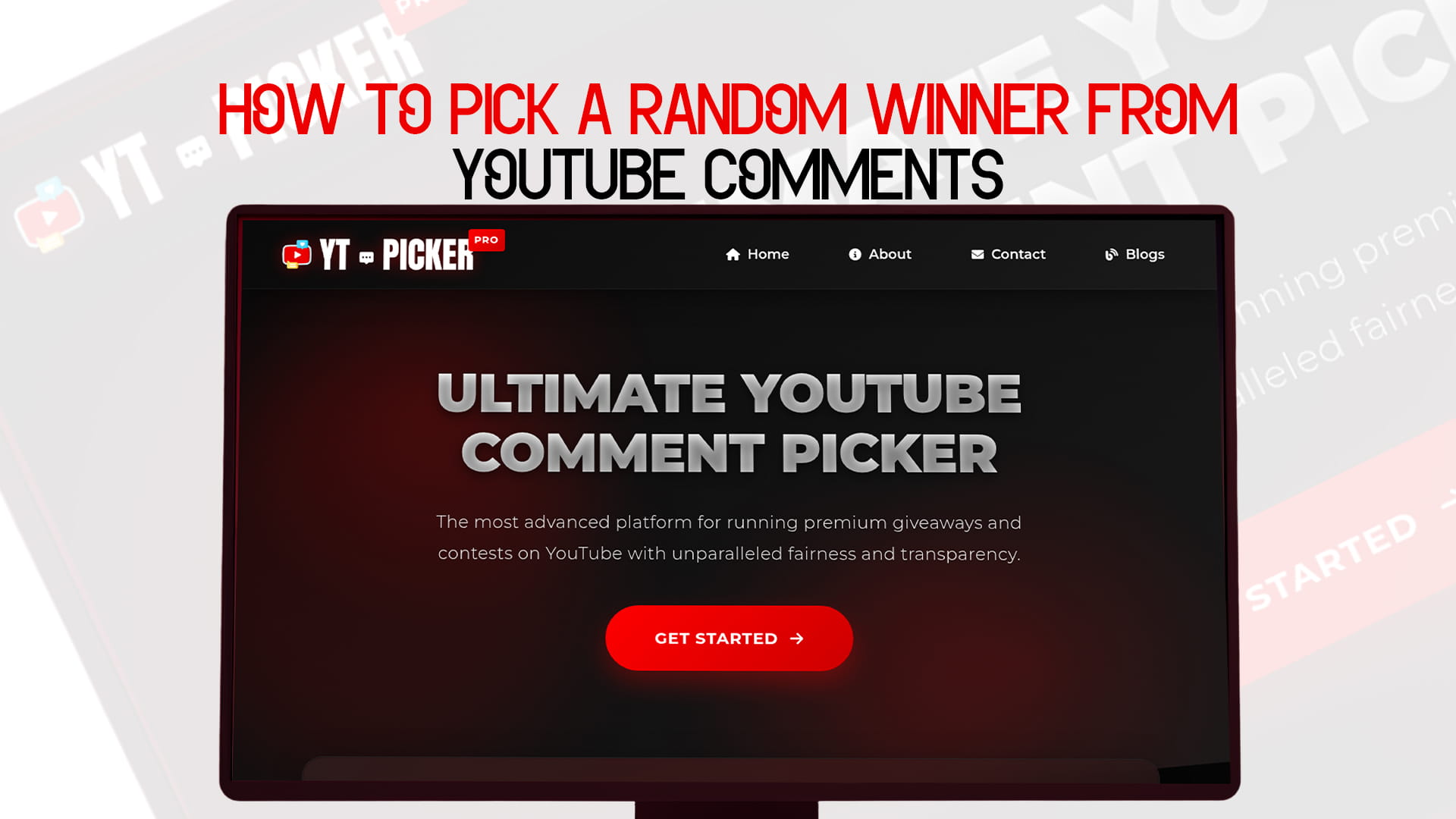
How to Pick a Random Winner from YouTube Comments
You ran the giveaway, the comments poured in, and now you have to pick a winner. This is the moment that decides whether people trust your channel. Pick fairly and visibly, and your audience believes you. Pick in a way that looks even slightly rigged, and the goodwill from the whole giveaway is gone.
The good news: picking a random winner from YouTube comments takes about thirty seconds once you know the method. You paste your video link into a comment picker, filter out the noise, and draw a winner everyone can see is random. This guide covers the methods, the filters that keep it fair, and how to prove the draw was legitimate, so no one in your comments can call it a setup.
Quick answer: YouTube has no built-in winner picker, so the standard method is a comment picker tool. Copy your video URL, paste it into the picker, set filters (one entry per person, include or exclude replies, require a keyword or hashtag if your rules need it), choose how many winners, and click draw. The tool selects a random comment and shows the result, which you record and announce publicly.
Can YouTube pick a winner for you?
No. YouTube has no native tool that selects a giveaway winner from your comments. There's no button in YouTube Studio for it. That leaves you two options: do it by hand, or use a third-party comment picker. Almost everyone serious about giveaways uses a picker, because hand-picking is slow and impossible to prove fair.
The first two feel "free and simple" until you have 800 comments, three people who entered five times each, and a comment section watching to see if your friend wins. A random comment picker handles all of that in one draw, which is why it's the method this guide focuses on.
How to pick a random winner from YouTube comments, step by step
The whole process takes under a minute.
- Copy your video's URL. Open the giveaway video and copy the link from the address bar (or the share button).
- Paste it into the picker. Open YT Picker and paste the URL. It pulls the comments from your video automatically, usually in a few seconds. No account needed, so you can do it without creating an account when you just want a fast, clean result.
- Set your filters to match your rules. This is the step that keeps the draw honest (more on each filter below). At minimum, turn on one entry per person so multi-commenters don't get extra chances.
- Choose how many winners. Pick one, or several if you're running tiered prizes, and decide whether you want backup names in case a winner doesn't claim.
- Click draw. The tool selects a random comment and shows you the winning commenter on screen.
- Verify, then announce. Check that the winner actually met your entry requirements before you announce them, then make the result public.
That's it. The same flow works whether the giveaway lives on a long video or a Short.
The filters that keep your draw fair
Filters are how you make the picker enforce the rules you already published. Set them before you draw, and set them to match your official rules exactly.
- One entry per person (unique authors). Removes duplicate comments from the same user so someone who commented ten times doesn't get ten chances. This is the single most important filter for fairness.
- Include replies, or top-level only. Decide whether replies to comments count as entries. Most pickers default to top-level comments. Match this to how you told people to enter.
- Keyword or hashtag filter. If your rules required a specific word, hashtag, or answer ("comment #giveaway" or a correct guess), filter to only comments containing it. Everyone else is excluded automatically.
- Date range. Limit the pool to comments posted inside your entry window, so late or early comments don't slip in.
- Number of winners. Draw one winner or several in a single run for multi-prize giveaways.
One practical note: many free pickers only load the first 500 comments, which is fine for most channels but a problem if your giveaway pulled thousands. If you run big giveaways, use a tool that can fetch the full comment volume so every entry actually has a chance.
How to prove the draw was fair
Picking randomly isn't enough if you can't show it. The whole point is to remove doubt, so build proof into the process.
This is exactly what YT Picker is built around. It's the most advanced platform for running premium giveaways and contests on YouTube with unparalleled fairness and transparency, drawing winners with verifiable randomness rather than a number you picked in your head. Because the draw is documented and repeatable, you can back up the claim that it was random with something real.
Three habits make any draw defensible:
- Record your screen while you run the picker, from loading the comments to revealing the winner. A short clip ends every "that's rigged" argument before it starts.
- Share the result. Post the winning comment publicly and, if your tool offers a shareable proof link or certificate, include it. That certificate is also useful when a sponsor funded the prize and wants evidence the draw was clean.
- Show your filters. Briefly mention how you filtered (one entry per person, replies off, and so on) so the result obviously matches the rules you set.
Picking multiple winners and backups
For tiered giveaways (grand prize plus runners-up), draw all the winners in one run rather than several separate draws, so the odds stay consistent and the process is one clean event. Most pickers let you select the number of winners up front.
Always draw a few backups too. Winners go quiet, accounts get deleted, and sometimes the person who won didn't actually meet the rules. Having alternate names ready means you can fill the spot without rerunning the whole thing and reopening questions about fairness. State in your rules how long a winner has to respond before you move to a backup.
A clean draw checklist
Before you announce, run through this:
- Filters match your published rules (especially one entry per person).
- The draw was screen-recorded.
- The winner met every entry requirement.
- Backups were drawn in case the winner doesn't claim.
- The result and how it was picked are shared publicly.
Skip these and you're back to "trust me, it was random," which is exactly the position a comment picker exists to get you out of. If you're setting up the full giveaway from scratch, not just the draw, a guide to running a complete YouTube giveaway covers the steps around it. And for a quick, no-cost draw on a smaller giveaway, a free comment picker does the same job.
How do I pick a random winner from YouTube comments? Copy your video URL, paste it into a comment picker, set filters to match your rules (one entry per person, replies on or off, required keyword if any), choose how many winners, and click draw. The tool selects a random comment and shows the result.
Does YouTube have a tool to pick a winner? No. YouTube has no built-in giveaway winner picker. You either pick manually, which is slow and hard to prove fair, or use a third-party comment picker, which is the standard approach.
Is a comment picker actually random? A good one gives every eligible comment an equal chance using a random selection process, with no manual influence. Tools with verifiable or cryptographic randomness let you prove the draw wasn't tampered with.
How do I stop people from entering multiple times? Turn on the one-entry-per-person (unique authors) filter. It removes duplicate comments from the same user so multi-commenters don't get extra chances.
Can I pick more than one winner? Yes. Most pickers let you set the number of winners and draw them all in one run, which is ideal for multi-prize giveaways. Draw backups too, in case a winner doesn't claim.
How do I make the draw look fair to my audience? Record your screen during the draw, post the winning comment publicly, and mention the filters you used so the result matches your rules. A shareable proof link or certificate adds another layer of trust.
What if my video has thousands of comments? Many free pickers only load the first 500 comments. For large giveaways, use a tool that can fetch the full comment volume so every entry has a real chance of winning.
What should I do after I pick the winner? Verify they met the requirements, announce publicly, and contact them privately to arrange the prize. Give them a set window to respond, and move to a backup winner if they go silent.