
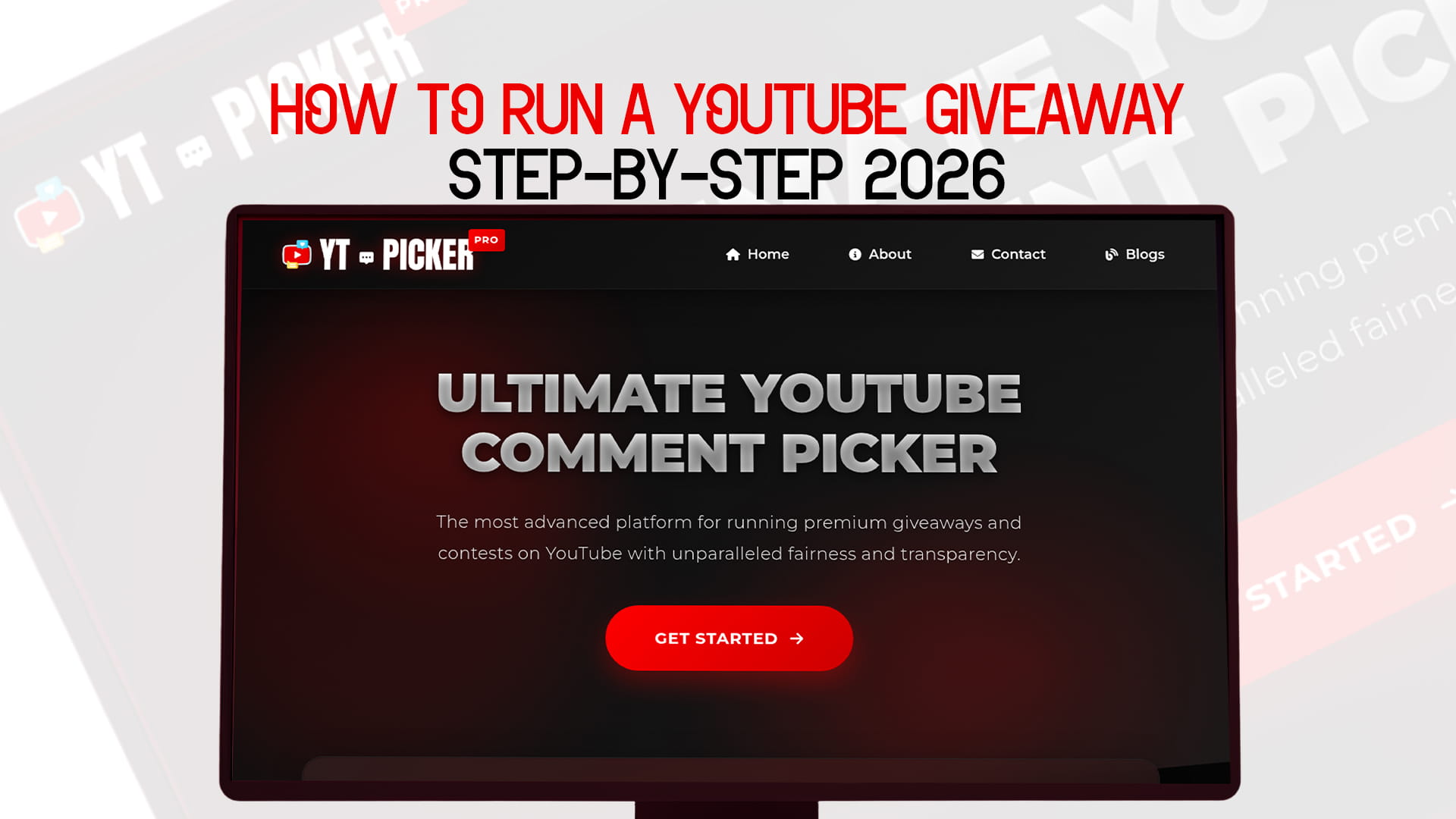
How to Run a YouTube Giveaway Step-by-Step 2026
A YouTube giveaway is one of the fastest ways to wake up a quiet channel. Done well, it brings in comments, new subscribers, and a spike in watch time right when you want it, like the day a new video or product drops. Done carelessly, it attracts people who unsubscribe the second the prize is gone, or it gets your video flagged for breaking YouTube's rules.
The difference is process. The creators who get real growth from giveaways aren't lucky, they just run the same repeatable steps every time. This guide lays out that process for 2026, from setting a goal to picking the winner and measuring whether it worked. You can pick a winner in seconds at the end, without signing up for anything.
Quick answer: To run a YouTube giveaway, set a clear goal, confirm your idea follows YouTube's contest policy (free entry, no forced subscribes, a "not sponsored by YouTube" line), choose a prize that fits your niche, decide how people enter, publish your rules with start and end dates, launch it in a video or livestream, promote it throughout, then pick the winner with a random comment picker and announce them publicly.
Step 1: Decide what you want the giveaway to do
Skipping this step is why most giveaways fizzle. "More subscribers" is not a goal, it's a wish. Pick one specific outcome and build everything around it.
Common goals: grow subscribers, push engagement on a single video, build hype for a launch or milestone, reward the community that's already there, or learn what your audience actually wants. Each one points to a different prize and a different entry action. A subscriber push needs a wide-appeal prize and heavy promotion. A community thank-you can be smaller and more personal.
Keep the goal realistic for your size. A channel with 2,000 subscribers chasing 100,000 new ones from a single giveaway is setting itself up to feel like a failure. And keep it aligned with your niche, because the wrong prize pulls in the wrong people. A tech channel giving away an unrelated cash prize attracts deal hunters, not future viewers.
Step 2: Check YouTube's rules before you plan anything
Plan the giveaway around the rules, not the other way around, so you're not rebuilding it later. A few non-negotiables for 2026:
- Entry has to be free. No purchase, no payment. A paid-to-enter random draw can count as an illegal lottery in the US.
- Don't force subscribes or likes as the tracked way to win. YouTube's Fake Engagement Policy bars manipulating metrics like subscribers and likes. You can encourage them. You can't make a tracked subscribe the sole condition of entry.
- Say YouTube isn't involved. You must state that YouTube does not sponsor, endorse, or administer your giveaway.
- Publish official rules. They should link to the YouTube Community Guidelines, note that non-complying entries are disqualified, and stay consistent with YouTube's Terms of Service.
- Stay lawful and clean. Follow the law where your entrants live, and don't use music or footage you don't have rights to.
If you want the full breakdown of the legal side, the safest move is to read a dedicated rules guide before a big-prize campaign. For most standard comment-to-enter giveaways, the points above cover you.
Step 3: Pick a prize your actual audience wants
The prize decides who enters. A relevant prize pulls in people who'll stick around. A generic one pulls in everyone and keeps no one.
Match the prize to your niche. Gaming channels do well with games, consoles, and gear. Tech channels with gadgets, headphones, or a phone. Beauty channels with makeup or skincare bundles. Education and finance channels with courses, tools, or a one-on-one session. A smaller prize that fits your content usually beats a bigger prize that doesn't, because the people it attracts are the people you want.
Watch the budget too. In the US, total prize value above $5,000 can trigger registration and bonding requirements in states like Florida and New York, so a lot of creators keep prizes under that line or exclude those states in the rules.
Step 4: Choose how people enter
Keep entry simple. A complicated entry process can legally count as "consideration" even when no money changes hands, and practically, every extra step cuts the number of people who bother.
The most common entry methods:
- Comment to enter. Ask for a real comment ("tell me your favorite moment from this video"). Simple, compliant, and it boosts the comment count. This is the default for a reason.
- Comment with a prompt. A question that doubles as feedback ("what should I review next?") gives you content ideas while people enter.
- Content submission. Ask viewers to create something. Fewer entries, but much deeper engagement, and it works for creative niches.
- Live draw. Run the giveaway during a livestream and draw on air for instant transparency and urgency.
Whatever you choose, the winner gets drawn from the comments, so a random comment picker is what turns those entries into a fair result.
Step 5: Write your rules and set the dates
Put your rules somewhere with a fixed link (a page on your site, or a pinned comment plus the description) so the location doesn't change mid-giveaway. Cover:
- Who can enter: minimum age and eligible countries or states.
- The entry window: exact start and end dates and times, with the time zone.
- The entry action, stated plainly.
- The prize and its value.
- How and when you'll pick and contact the winner, and what happens if they don't reply.
- The "not sponsored, endorsed, or administered by YouTube" line.
- A link to the Community Guidelines and a "void where prohibited" note.
Set a clear close date and a separate announcement date. People need to know exactly when entries end and when results come. If you have to extend or delay anything, say so publicly.
Step 6: Launch the giveaway in a video or livestream
Keep the giveaway inside your content rather than running it through paid ads. A dedicated announcement video works, but folding it into a normal upload often works better. Review six products and end by giving them all away. Hit a milestone and celebrate with a prize. The giveaway rides along with content people already wanted to watch.
In the video, say the prize, the exact entry steps, the deadline, and the announcement date out loud. Then reinforce it: pin a comment with the entry instructions and put the rules link at the top of the description. Don't bury the one thing you want people to do.
Step 7: Promote it the whole way through
A giveaway nobody sees doesn't grow anything. Promotion is what separates a quiet contest from real momentum.
Use the surfaces you already own. Pin the entry comment. Add end screens and cards on older, high-traffic videos pointing to the giveaway. Post on the Community tab with reminders and a countdown. Make a Short mentioning it. Then go cross-platform: Instagram, TikTok, X, and your email list if you have one. Email is underused here and gets solid open rates for "only 3 days left" style nudges.
Don't promote once and forget it. Post a reminder at the halfway mark and another as the deadline approaches. Most entries arrive at the very start and the very end.
Step 8: Pick the winner fairly, and prove it
This is the step creators rush, and it's the one that makes or breaks trust. Your rules promised a fair draw. If you scroll and stop on a comment by hand, it looks arbitrary; it can't be verified, and the first time someone suspects favoritism, the goodwill you built evaporates.
Use a tool that gives every eligible comment an equal chance and shows the result. YT Picker is built for exactly this. It's the most advanced platform for running premium giveaways and contests on YouTube with unparalleled fairness and transparency. It pulls the comments from your video and draws a winner with verifiable randomness instead of a guess, so the selection is something you can record and show, not just claim.
A clean draw looks like this:
- Decide your filters before you draw (replies included or not, duplicates removed) so the process matches the rules you published. Using a dedicated giveaway picker keeps this consistent.
- Record your screen during the draw as proof.
- Verify the winner actually met the entry requirements before you announce them.
Running a small or first-time giveaway? You can do the same fair, recorded draw with a free comment picker, so transparency isn't only for big channels.
Step 9: Announce the winner and deliver the prize
Announce publicly and quickly. Sitting on the result invites doubt. A short announcement video, a Community post, or a pinned comment all work, and showing how the winner was picked is the part that builds trust.
Contact the winner privately to arrange delivery, using whatever method your rules stated. Give them a window to respond and have a plan if they go quiet (redraw with the same tool). Then close the loop: thank everyone who entered and tell them when the next one is coming. The people who didn't win this time are exactly who you want entering next time.
Step 10: Review what happened
Once it's over, check the result against the goal from Step 1. Did subscribers grow? Did the video's engagement spike? Which promotion channel actually drove entries?
YouTube Analytics shows views, watch time, and subscriber changes around the giveaway window. If you sent traffic to a website, Google Analytics shows whether it converted. Watch the days after the giveaway too. Some lift is real growth, some is giveaway hunters who leave. Knowing the split tells you whether the prize attracted the right audience, and it makes your next giveaway sharper.
YouTube giveaway ideas worth stealing
If you're stuck on format, a few that consistently work:
- Comment contest. Best comment or a random comment from a prompt video. Easy entry, lots of engagement.
- Milestone celebration. Tie the giveaway to a subscriber count or anniversary so it feels earned, not random.
- Live-stream draw. Pick the winner on air during a stream for real-time energy.
- Collaboration giveaway. Team up with another creator or brand and give away a bundle. Both audiences see it.
- Unboxing or haul giveaway. Show the prize in a review or haul, then give it away at the end.
- Feedback giveaway. Ask what people want next. You get content ideas and entries at once.
Mistakes that quietly kill giveaways
- Running them so often they stop feeling special. Space them out.
- A prize that doesn't match the channel, so it attracts the wrong crowd.
- Vague or hidden rules, so people don't know how to enter or when results land.
- Forcing subscribes or likes as the tracked entry, which runs into YouTube's policy.
- Picking the winner by hand, which looks biased and contradicts your own rules.
- Going silent after the draw instead of announcing and following up.
How do I run a YouTube giveaway step by step? Set a goal, confirm it follows YouTube's contest policy, pick a niche-relevant prize, choose a simple entry method, publish rules with start and end dates, launch it in a video, promote it throughout, pick the winner with a random comment picker, then announce and deliver.
Can I require people to subscribe to enter? You can encourage subscribing, but you shouldn't make a tracked subscribe the only way to win, because that runs into YouTube's Fake Engagement Policy. Use a genuine comment as the entry action and treat subscribing as optional.
What's the best prize for a YouTube giveaway? One that matches your niche. Gadgets for tech channels, games for gaming channels, courses or tools for education channels. A relevant prize attracts people who'll stay subscribed, which beats a bigger generic prize.
How do I pick a winner fairly? Use a random comment picker that gives every eligible comment an equal chance, set your filters in advance, record the draw, and verify the winner met the rules before announcing. Manual picking looks biased and can't be verified.
How long should a YouTube giveaway run? Long enough to promote it properly but short enough to keep urgency, often one to two weeks. Set a firm close date and a separate announcement date, and tell entrants both up front.
Do I need a tool to run a giveaway? You can run the giveaway in your video, but picking the winner is where a tool matters. A comment picker makes the draw fair and verifiable, and you can do it quickly even without an account for smaller giveaways.
How do I announce the winner? Publicly and fast, through an announcement video, a Community post, or a pinned comment. Showing how the winner was selected builds trust. Contact the winner privately to arrange the prize.
How do I know if my giveaway worked? Compare the result to your original goal using YouTube Analytics for views, watch time, and subscriber changes. Track the days after the giveaway to separate real new viewers from one-time giveaway hunters.