
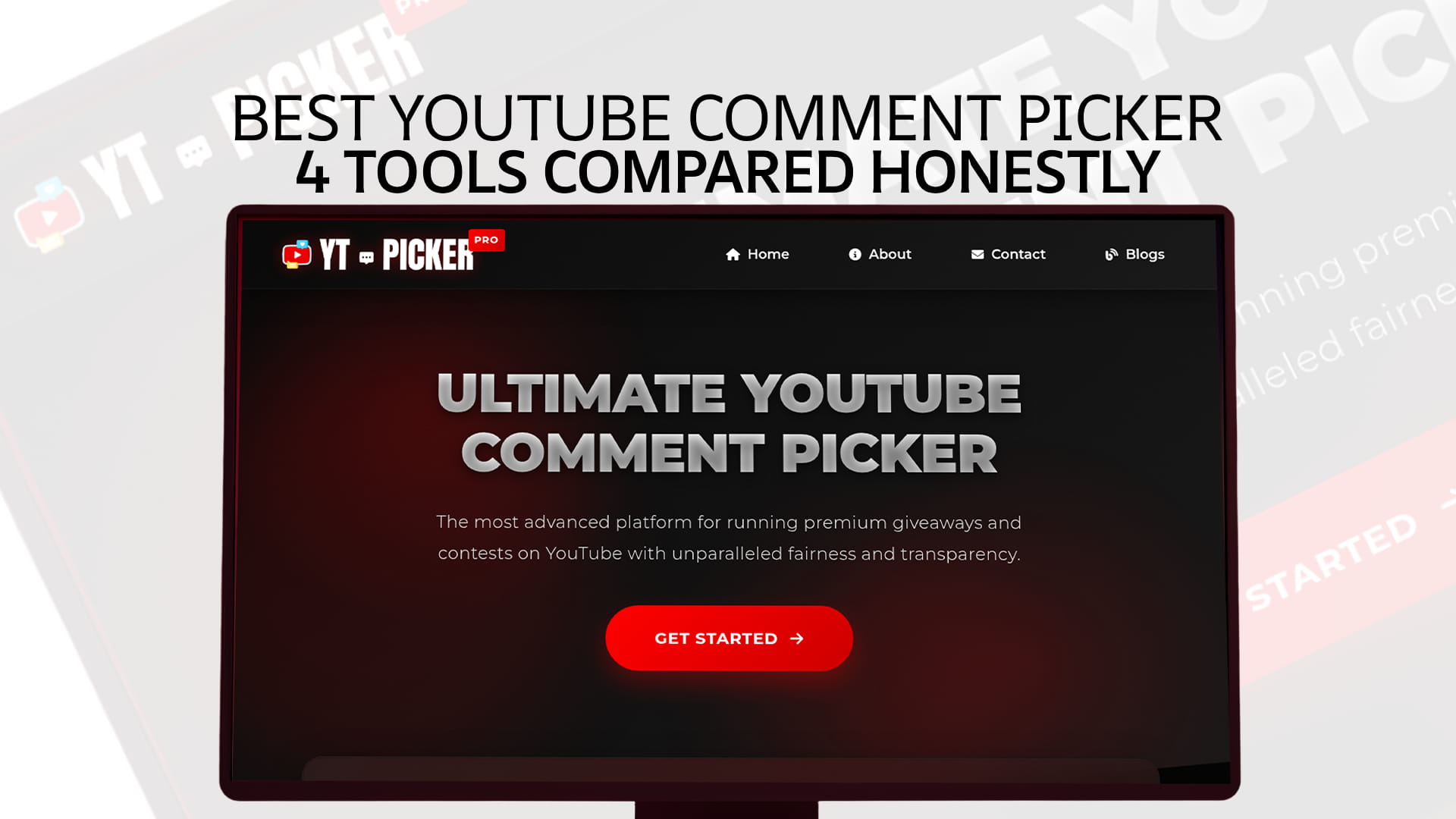
Best YouTube Comment Picker: 4 Tools Compared Honestly
The best YouTube comment picker is the one whose free limit covers your comment count and whose filters match your giveaway rules. For a small giveaway almost any tool works; for a few thousand comments, limits and pricing start to decide it. Below are four tools side by side, with figures taken from each tool's own pages in October 2026, plus a note on how to choose.
Full disclosure: this site is run by YT Picker, one of the four tools. We have tried to state only what each tool's own pages say, and to say so where we could not confirm something. Tools change their limits often, so check the linked page before you commit.
Quick answer: For a short, casual giveaway, a free tool with a small comment cap is enough. For a big comment section, look for a tool with no stated cap and the filters your rules need (one entry per person, keyword, tag-a-friend). YT Picker gives 3 free runs, then Pro at $5 a month or $50 a year; the others below differ on caps, login and price.
The four tools at a glance
| YT Picker | Comment Picker | vidIQ comment picker | Pick a Winner | |
|---|---|---|---|---|
| Free limit | 3 free runs per new account | Max. 100 comments per giveaway | Up to 1,000 comments per draw, newest first | Bronze tier free, up to 100,000 comments (per SweepWidget's review) |
| Paid plan | Pro: $5/month or $50/year, unlimited runs | Premium: $9.99/month or $95.91/year, unlimited comments | None listed for this tool | Gold: $1.99 one-time per video (per SweepWidget's review) |
| Account needed? | Free YT Picker account to run it; no YouTube or Google login | Not stated for free use | "No login required" | Not confirmed |
| Winners per draw | Set in "Number of Winners" | 1 on free, up to 10 on Premium | Up to 10 | Not confirmed |
| Live chat entries | Yes, "Latest live-chat messages" | Not confirmed | Not confirmed | Not confirmed |
Where a cell says "not confirmed," we could not find the answer on the tool's own page, and we would rather leave it blank than guess.
What each tool does well
YT Picker. The main strength is the filter set and the live-chat mode. You can remove duplicate users ("1 entry per person"), require an @mention for tag-a-friend giveaways, include or exclude specific words, set a minimum comment length or minimum likes, and choose whether replies count. It also reads live chat, with a "Latest chat messages to include" setting. The trade-off: you need a free account to run it, and after three free runs the unlimited plan is paid. The page does not state a maximum comment count.
Comment Picker. A long-running multi-platform tool with a big free toolbox. Its premium page lists a free cap of 100 giveaway comments and, on the YouTube tool, one video and one winner at a time. Premium removes the comment cap and allows up to five videos and ten winners. That 100-comment cap is the thing to check first: many YouTube giveaways exceed it, and third-party reviews quote older, higher caps, so trust the live page.
vidIQ's comment picker. Part of vidIQ's free tool collection. Per its own page, it needs no login, reads up to 1,000 comments newest first, draws up to 10 winners, and offers keyword, date-range, minimum-likes and one-entry-per-person filters. The 1,000-comment ceiling cannot be raised, so a giveaway with more comments than that would leave older entries out of the draw.
Pick a Winner. Often named in searches as "pickawinner." SweepWidget's comparison of YouTube pickers describes a free tier up to 100,000 comments, a $1.99 one-time fee per video for the Gold tier, and extras such as duplicate removal and top-rated-comment selection. We could not load the tool's own pricing page, so treat those figures as second-hand and confirm them on the site.
How to choose: five questions
- How many comments will you have? If it could pass a few hundred, check the free cap before you announce the giveaway. A cap that silently drops entries makes the draw unfair to the people left out. Our guide to how a random comment picker works explains why a complete pool matters as much as the randomness.
- Do your rules need filters? One entry per person is the minimum. Tag-a-friend, required keywords or minimum length only help if the tool supports them.
- Is it a live stream? Few pickers read live chat; if yours does, you can draw straight from the stream.
- Do you mind creating an account? Some tools run with none, others want a free account. "No YouTube login" is not the same as "no account at all," so read the wording.
- How often will you run giveaways? One-off giveaways suit a per-video fee or a free tier; weekly draws suit a flat subscription.
For a deeper look at the free-versus-paid trade-off, see our breakdown of free vs paid comment pickers.
Red flags in any comment picker
- A hidden comment cap. If the tool does not tell you how many comments it loaded, you cannot tell whether everyone had a chance.
- No duplicate removal. Without it, someone who comments ten times has ten chances.
- Nothing to show for the draw. You should be able to record or share the result.
- Claims you cannot check. Be wary of any tool that promises "guaranteed" or "unbeatable" results without saying how the draw works.
Which one should you pick?
There is no universal winner. A small giveaway with under 100 comments can run on almost any free tier. A medium giveaway fits tools with higher free caps, as long as you check the cap. A large one, or one that needs strict rules like tag-a-friend and a keyword, is where filters and paid tiers matter. If you want the full filter set and live-chat entries, try YT Picker; the three free runs let you test it on a real giveaway before paying anything. For how the draw itself works, read how a random comment picker works.
Frequently Asked Questions
It depends on your comment count and rules. Compare each tool's free comment cap, account requirement, filters and price against your giveaway, then test with a real draw.
Several tools have free tiers, but they come with caps, such as 100 comments per giveaway on one tool or 1,000 per draw on another. Always check the cap against your comment count.
Not necessarily. YT Picker does not ask you to connect a YouTube or Google account, though it does ask you to create a free YT Picker account to run it. vidIQ says no login is required.
It depends on the tool and its setting. In YT Picker only top-level comments count by default, and you can switch on replies. vidIQ also leaves replies off by default.
Tools change plans often, and third-party reviews can be out of date. The figures here come from each tool's own pages in October 2026 unless marked as second-hand.