
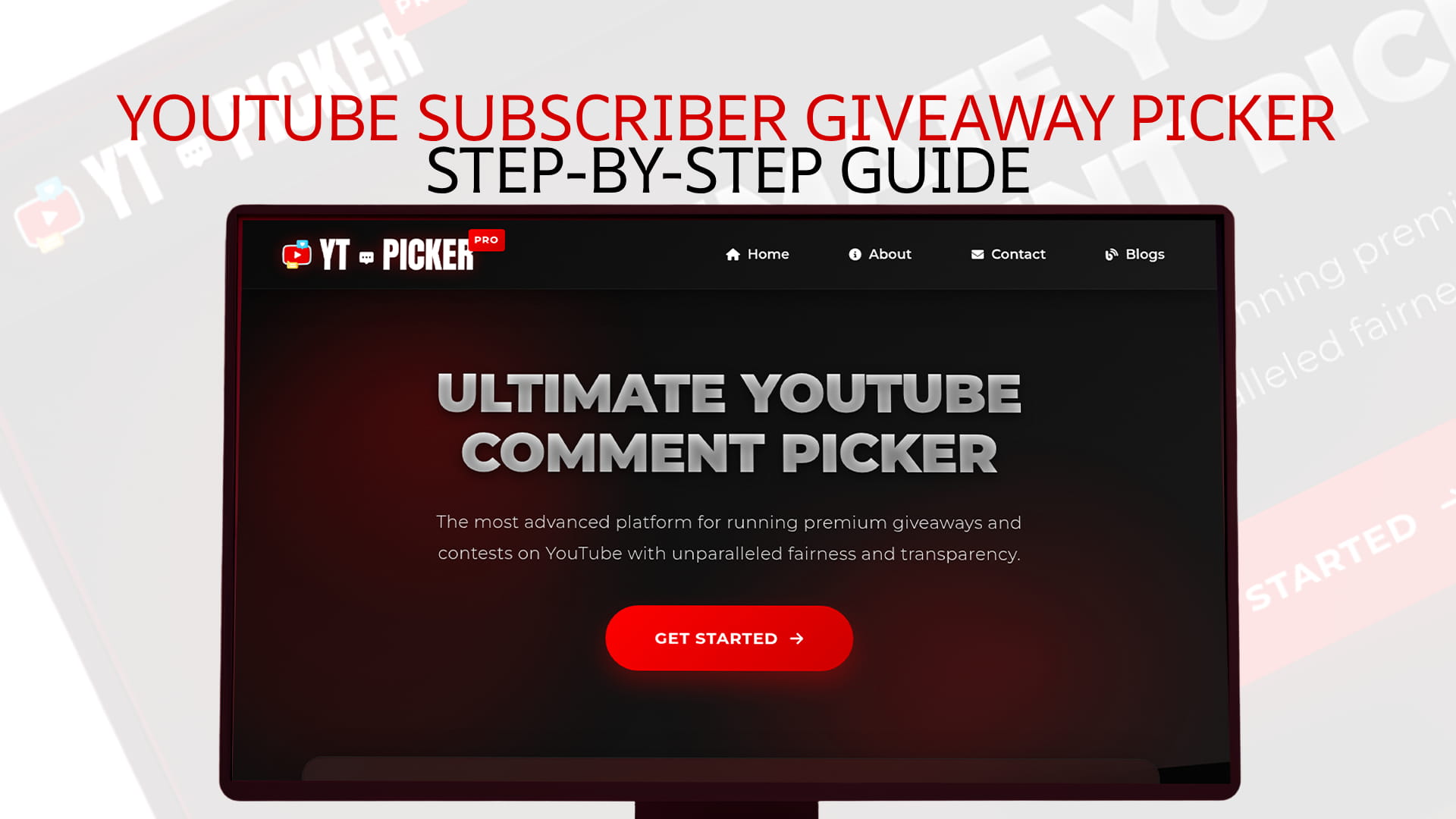
YouTube Subscriber Giveaway Picker: Step-by-Step Guide
A YouTube subscriber giveaway picker is really two tools working together: YouTube's own subscriber-only entry setting to control who can enter, and a random picker like YT Picker to draw the winner fairly from whoever does. YouTube lets you gate comments or live chat to subscribers natively, but once entries are open, nobody — not YT Picker, not any other tool — can look up a random commenter's private subscription status after the fact. Here's how to run a subscriber-only giveaway that actually holds up.
Why "subscribers only" is harder to verify than it sounds
Most creators assume they can just scroll through entries and check who's subscribed. You can't, at least not reliably. A viewer's list of subscriptions is private by default — YouTube only shows it if that specific person has chosen to make their subscriptions public on their own channel. Even then, you'd have to open every single commenter's channel one by one, which doesn't scale past a handful of entries and still misses private accounts entirely.
That means there are really only two honest ways to run a subscriber-only giveaway: let YouTube enforce the gate for you before anyone can comment, or run it on the honor system and accept that you can't audit every entry individually.
Option 1: Let YouTube enforce the subscriber gate
YouTube has a real, built-in setting for this — it's just buried in comment settings rather than in anything giveaway-specific.
On the video you're running the giveaway on, open Who can comment in your comment settings and choose Subscribers and members. You can also set a minimum subscription length (for example, subscribed for at least 1 day or 1 week) so last-minute "subscribe just to win" entries don't qualify. Once this is on, only accounts that already meet that bar can comment at all — YouTube checks it on its end, not yours.
If your giveaway is tied to a livestream instead of a video, YouTube also offers a subscriber-only chat mode, which restricts who can post in live chat the same way. Turn it on from the live chat settings before you go live, and announce the giveaway once chat is already restricted.
The advantage of this route: every comment or chat message you see is already from a real, verified subscriber, because YouTube itself blocked anyone else from posting. At that point, picking a winner is just a normal random draw — you don't need to double-check eligibility at all.
Option 2: Run it on the honor system
If you'd rather keep comments open to everyone (for reach and visibility) and simply ask people to subscribe to enter, that's common and generally fine — but be upfront with yourself that you're trusting entrants, not verifying them. Structure it so the "ask" is clear and the draw is still fair:
Ask entrants to comment a specific word or phrase, such as "ENTERED," so you can filter for real entries. Mention the subscribe requirement once in the video and once in the pinned comment, rather than burying it. Keep the actual odds of winning independent of whether someone's subscription is public or private — the draw should be random across everyone who followed the entry instructions, not narrowed to only the entrants you could personally verify.
Drawing the winner once entries are in
Whichever gate you used, the drawing step is the same:
Paste the video or live stream URL into YT Picker. Use the keyword filter so only comments containing your entry phrase (like "ENTERED") are counted, and turn on duplicate filtering so one person can't stack multiple entries by commenting twice. Run the draw — YT Picker gives you 3 free runs, then unlimited draws are available on Pro for $5/month or $50/year if you're running giveaways regularly. Take a screenshot or save the result log as your record of who won and when.
This two-step split — YouTube enforces who's eligible, YT Picker picks fairly from whoever is — is the only setup where "subscriber-only" is both true and provable. Anything that skips the native gate and just promises to "check" subscribers manually is really running an honor-system giveaway with extra paperwork. If you want the mechanics of that random draw itself — how comments get pulled, deduplicated, and selected without anyone being able to tilt the result — the how a random comment picker works guide breaks that down in detail.
Where YouTube's policy comes in
YouTube's fake engagement rules exist specifically to stop creators and viewers from gaming subscriber counts — arrangements like "sub4sub," bots that auto-subscribe, or any setup built mainly to inflate how many subscribers, likes, or views a channel shows. A normal "subscribe to enter this giveaway" ask isn't a fake-engagement scheme on its own, but a giveaway built around encouraging mass subscribe-unsubscribe cycles, bot sign-ups, or misrepresenting how many entrants actually qualify would cross into territory YouTube's policy explicitly bans. Keep the ask simple and don't promise anything YouTube itself doesn't actually enforce, like claiming you can "verify" a private subscriber list — you can't, and saying you can is the kind of misrepresentation that gets giveaways reported.
You'll also still need to follow YouTube's general contest requirements — free entry, published rules, and a clear statement that YouTube doesn't sponsor your giveaway. The YouTube giveaway rules guide walks through all of that in detail, and it's worth reading alongside this one before you launch.
Frequently Asked Questions
Yes. Asking entrants to subscribe is standard practice and doesn't by itself violate YouTube's policy. What you can't do is misrepresent engagement — for example, claiming a required sub4sub exchange or running entries through bots to inflate your subscriber count.
You generally don't, unless you used YouTube's native "Subscribers and members" comment restriction or subscriber-only live chat. Outside of that, a viewer's subscriptions are private unless they've chosen to make that list public, so there's no reliable way to check a random entrant.
No. YT Picker draws randomly from whoever comments and matches your filters — it reads comment text, not subscription records, since YouTube doesn't expose that data to any third-party tool. The verification has to happen upstream, through YouTube's own subscriber-only settings.
If you used the native comment or chat restriction, this shouldn't happen — YouTube blocks the comment before it's even posted. If you ran it on the honor system, decide your backup-winner policy ahead of time (redraw to the next eligible comment) and state it in your rules so it doesn't look arbitrary after the fact.
It depends on your goal. If you want entries that are genuinely all from subscribers, the native gate is the only way to guarantee that. If you mainly want reach and are fine trusting entrants, an open-comment giveaway with a clear subscribe ask is simpler and still reaches more non-subscribers who might convert.